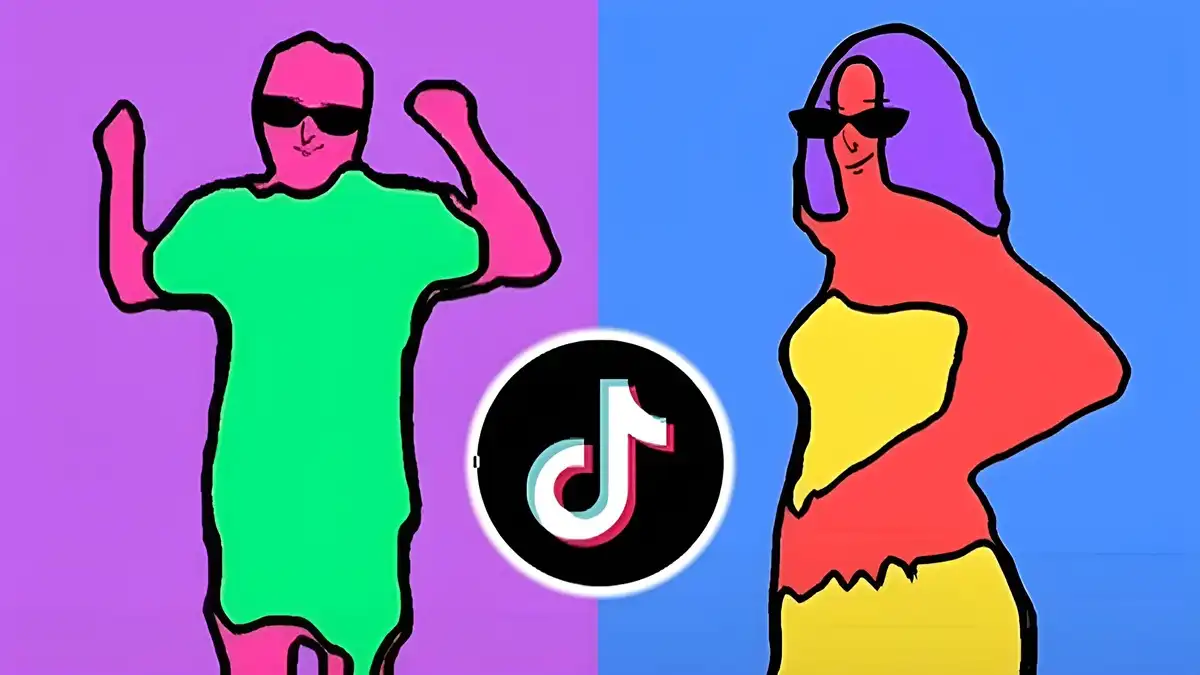
Rotoscope

Rotoscope Animation Basics Guide

Learn the animation basics behind rotoscoping: timing, spacing, key poses, and how traced footage becomes believable animated movement.

Author Rotoscop Remove

Rated 4.6/5 · 3.4M

From Footage to Animation

Rotoscoped animation begins with real movement. By tracing a filmed subject at selected frames, animators capture natural timing that is very hard to invent, then simplify and stylise the drawings until motion feels alive rather than copied.

Understanding this balance matters. Trace every frame exactly and the result can feel stiff and mechanical; choose the important poses and the movement gains character while staying believable. Everything connects back to the overview in Rotoscope for Android, where the app details and core features are laid out in full.

  • Real motion as the foundation
  • Key poses carry the action
  • Stylising adds character

Timing and Spacing Explained

Timing is how long an action takes; spacing is how far the subject moves between frames. A jump reads as floaty when spacing stays even, and snappy when spacing grows quickly at the start and settles at the landing.

When your rotoscoped motion looks wrong, check spacing before redrawing anything. Most lifeless results are spacing problems wearing a drawing costume.

Experienced Rotoscope users return to this point often, because Rotoscope rewards the basics done consistently, and a Rotoscope project built on basics rarely needs rescuing later.

  • Timing is duration
  • Spacing is distance per frame
  • Fix spacing before redrawing

Choosing Key Poses

Key poses are the frames that describe the action: the crouch before the jump, the highest point, the landing. Trace those faithfully, then let the in-between frames support them rather than compete with them.

A useful test is to flip through only your key poses. If the action still reads clearly, the skeleton of the animation is sound and the remaining work is refinement. For a deeper look at a related topic, read our frame by frame guide.

  • Crouch, peak, landing
  • Test keys on their own
  • In-betweens support, not compete

Adding Character to Traced Motion

Exaggeration is the animator's editing pen. Push a lean a little further, hold a reaction a beat longer, simplify a silhouette so the pose reads at a glance. Small pushes separate animation from photocopying.

Keep a consistent rule for the whole scene. If heads are simplified, simplify them everywhere; mixed levels of detail make the same character look like several different productions. This connects closely with the Rotoscope editing guide, which covers the neighbouring ground in detail.

  • Exaggerate with restraint
  • Hold reactions a beat longer
  • Keep detail consistent

Practising Animation Basics

Film yourself performing a simple action, a wave, a step, a turn of the head, and rotoscope it twice: once tracing every frame, once using key poses only. Comparing the two teaches more about timing than a month of reading.

Keep both versions. The difference between them is the clearest personal evidence of what your choices do to motion.

  • Film your own reference
  • Trace two ways and compare
  • Keep both versions

Putting It Into Practice

A calm review pass is part of the technique, not an optional extra. Watch the finished piece once without touching anything, note every moment that pulls your attention for the wrong reason, and only then go back and fix the list in order. Rotoscope work rewards this discipline because small edge and timing problems are so easy to chase randomly and so quick to fix systematically.

If a fix fights you for more than a few minutes, simplify the approach rather than forcing it. A cleaner mask, a simpler effect, or a different shot choice usually serves the project better than a heroic repair, and audiences never know the road not taken.

Archive the project properly when it is delivered. Your future self, asked for one small change months later, will thank you for the version that opens cleanly with every file in its place.

Frequently Asked Questions

What is the difference between rotoscoping and normal animation?

Rotoscoping starts from filmed movement and traces or isolates it, while traditional animation is drawn from imagination and reference. Both rely on the same timing and spacing principles.

How many frames should I trace?

Trace the key poses precisely and check the frames where motion changes fastest. Tracing every frame is rarely necessary and can make movement feel mechanical.

Why does my rotoscoped motion look stiff?

Usually because spacing is too even. Vary the distance moved between frames so actions accelerate and settle like real movement.

Can rotoscoping help me learn animation?

Yes. Working from real motion teaches timing, spacing, and pose selection faster than almost any other exercise.

Conclusion

Rotoscoped animation works when real motion meets deliberate choice. Timing, spacing, and strong key poses do the heavy lifting; tracing is only the delivery method.

Practise with your own footage, compare traced and keyed versions, and your eye for movement will sharpen with every short scene.

Emily Hart

Reviewed by Emily Hart

Emily Hart is our Video Editing Apps Reviewer. She tests Rotoscope on real Android devices, running real editing projects, before we publish any guide or download information.