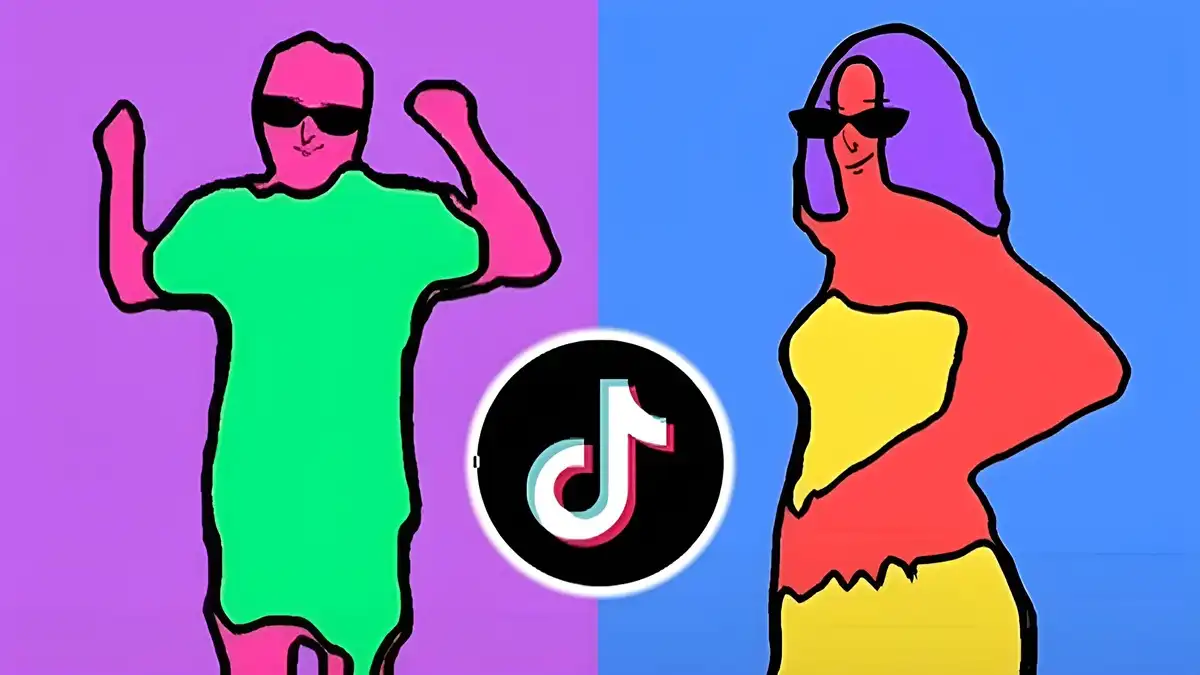
Rotoscope

Rotoscope for Beginners Guide

Start rotoscoping with confidence: what beginners should learn first, the basic workflow, common early mistakes, and a simple practice plan.

Author Rotoscop Remove

Rated 4.6/5 · 3.4M

Getting Started With Rotoscope

Rotoscoping means tracing or isolating a moving subject frame by frame so it can be edited separately from its background. Beginners often imagine the technique is only for film studios, but the core skill is patience and clean selection, both of which anyone can learn with short practice clips.

Start with a five-second clip of a single subject moving against a simple background. Short clips keep every lesson small: one selection problem, one mask problem, one export. For the complete picture, including app details, features, and installation help, start with Rotoscope APK guide.

  • Choose short practice clips
  • Use one subject at first
  • Pick simple backgrounds

The Basic Rotoscope Workflow

The workflow follows the same order in almost every tool: import the clip, select the subject, refine the edges of the selection, preview the isolated layer over a plain background, and only then apply your edits or effects.

Skipping the plain-background preview is the most common beginner shortcut and the most expensive one. Edge errors that stay invisible over the original footage become obvious the moment the background changes.

  • Import and duplicate the clip
  • Select, refine, then preview
  • Check edges on a plain background

Tools and Settings for Beginners

Beginners need three things from a tool: a clear selection brush or auto-mask feature, edge refinement controls, and an honest preview. Extra effects and filters can wait until selections are clean.

Work at the highest preview quality your device handles smoothly. Judging an edge at low preview resolution teaches you the wrong lessons about what clean looks like. You can explore the related side of this in our Rotoscope editing guide.

  • Selection and edge tools first
  • Effects come later
  • Preview at readable quality

Common Beginner Mistakes

The classic mistake is selecting too loosely and hoping effects will hide it. Chattering edges, where the mask flickers between frames, come from selections that were never checked frame by frame around fast movement.

Another frequent problem is starting with a difficult clip: crowds, hair in wind, transparent objects. Each is a final exam, not a first lesson. Difficulty should rise one variable at a time. For a deeper look at a related topic, read the Rotoscope features guide.

  • Loose selections cause flicker
  • Check fast movement frame by frame
  • Raise difficulty gradually

A Simple Practice Plan

Week one: isolate a walking person from a plain background. Week two: the same task with a busier background. Week three: add a simple effect to the isolated layer, such as a colour change or a clean background replacement.

By week four, review your first clip again with fresh eyes. The improvement is usually obvious, and seeing it is the best motivation to keep going.

  • Week 1: simple isolation
  • Week 2: busier background
  • Week 3: add an effect
  • Week 4: review and compare

Putting It Into Practice

Putting this into practice works best on a small, real project rather than on test footage you do not care about. Choose a short clip with a genuine purpose, apply the steps in this guide in order, and finish it completely, including the export. A finished small project teaches more Rotoscope judgement than three abandoned large ones.

Keep notes as you go: where the mask struggled, which setting surprised you, what you would do first next time. Those notes become your personal Rotoscope checklist, and checklists are how occasional good results turn into reliable ones.

When the project is done, compare it with your previous work at normal size and speed. Progress in editing is easiest to see across finished pieces, and seeing it is what keeps the practice habit alive.

Frequently Asked Questions

Is rotoscoping hard for beginners?

The concept is simple and the early skills are learnable in short sessions. Difficulty comes from complex footage, so beginners who choose simple clips progress quickly.

What clip should I practise on first?

A short clip with one subject, steady camera, and a plain background. Five good seconds teach more than a difficult minute.

Do I need a powerful phone to learn rotoscoping?

No. Learning projects are short and light. Longer and higher-resolution projects benefit from stronger hardware, but the core skills are the same.

How long until my masks look clean?

Most learners produce tidy edges on simple footage within a few weeks of regular short practice sessions.

Conclusion

Rotoscoping rewards beginners who keep the scope small and the checks honest. Short clips, plain-background previews, and gradual difficulty turn a studio technique into a friendly daily practice.

Follow the four-week plan and keep your early projects. They become the clearest possible record of how far your eye and your hands have come.

Emily Hart

Reviewed by Emily Hart

Emily Hart is our Video Editing Apps Reviewer. She tests Rotoscope on real Android devices, running real editing projects, before we publish any guide or download information.