Rotoscope

Rotoscope for Social Media Videos Guide

Use Rotoscope techniques in social media videos: vertical formats, fast hooks, clean subjects on bold backgrounds, and exports that survive compression.

Author Rotoscop Remove

Rated 4.6/5 · 3.4M

Why Rotoscoping Suits Social Video

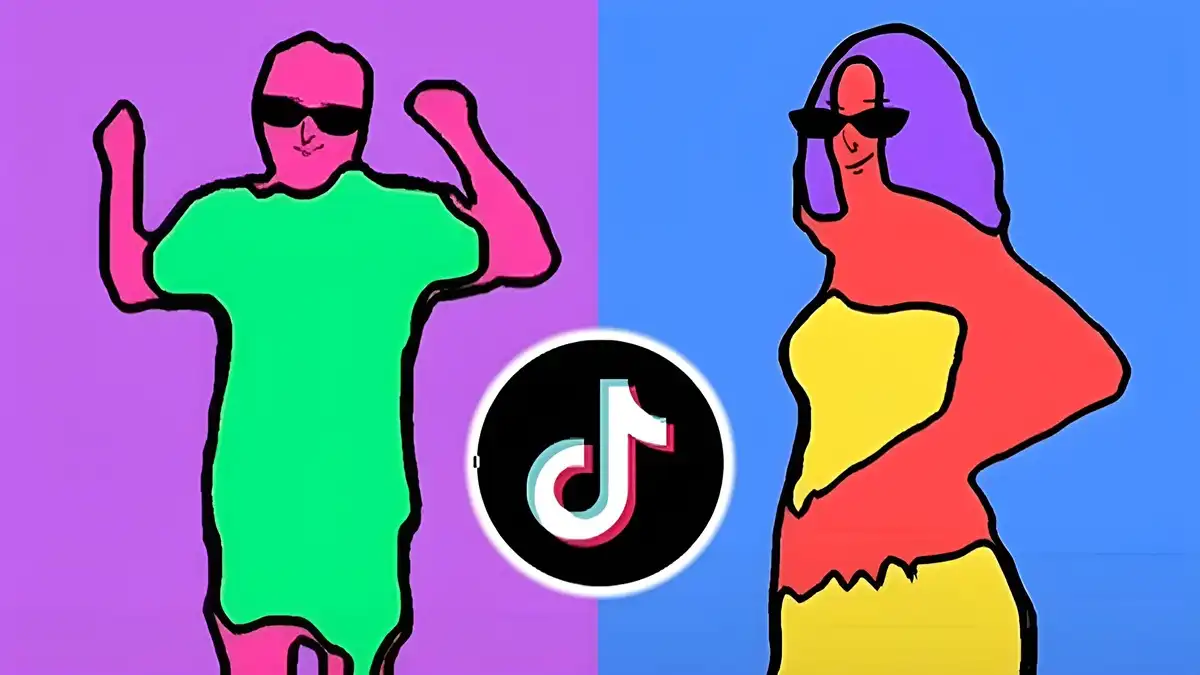
Social feeds reward instant clarity. An isolated subject on a bold, clean background reads in half a second at small sizes, which is exactly the half second that decides whether a thumb stops or keeps scrolling.

Rotoscoping also makes one shoot reusable. The same isolated performance can sit over a product scene, a coloured studio backdrop, or a city street, multiplying content from a single recording session. For context on the app as a whole, see Rotoscope hub before working through the details below.

  • Instant clarity stops thumbs
  • One shoot, many backgrounds
  • Small sizes reward clean subjects

Vertical Formats and Framing

Compose for vertical from the start. A subject isolated for a wide frame may sit awkwardly in a tall one, so plan headroom, gesture space, and where text overlays will live before you mask anything.

Keep the subject larger in frame than feels natural. Phone screens are small, captions compete for space, and subtlety loses to clarity in the feed.

In everyday Rotoscope work this is where Rotoscope earns its reputation: the Rotoscope workflow stays predictable while other approaches improvise, and predictable tools are the ones creators actually finish projects with.

  • Compose vertical early
  • Reserve space for captions
  • Keep subjects large in frame

Hooks, Backgrounds and Contrast

The first second needs the clearest possible statement: subject, action, contrast. An isolated presenter over a saturated background with the topic visible achieves in one frame what a slow introduction cannot.

Change backgrounds with the topic's beats. Each background change re-wakes the eye without cutting the performance, a rhythm social audiences respond to instinctively. You can explore the related side of this in the Rotoscope effects guide.

  • Statement in the first second
  • Background changes mark beats
  • Contrast carries the hook

Captions, Text and Safe Areas

Platform interfaces cover the edges of your video with buttons and captions. Keep faces, products, and your own text inside the central safe area so nothing important hides under an interface element.

Burned-in captions should sit where your subject is not. An isolated subject lets you place text behind or beside the person deliberately instead of wherever the original background allowed. For a deeper look at a related topic, read our export settings guide.

  • Respect interface safe areas
  • Place text around the subject
  • Isolation gives layout freedom

Exporting for Platforms

Platforms recompress everything, so upload the cleanest file the platform accepts rather than a pre-shrunk one. Compression artefacts gather at mask edges first, which is another reason edge quality checks matter.

Export a dedicated vertical master for each major format you use. Cropping a wide master as an afterthought wastes your careful composition.

  • Upload clean masters
  • Artefacts gather at edges
  • Dedicated exports per format

Putting It Into Practice

A calm review pass is part of the technique, not an optional extra. Watch the finished piece once without touching anything, note every moment that pulls your attention for the wrong reason, and only then go back and fix the list in order. Rotoscope work rewards this discipline because small edge and timing problems are so easy to chase randomly and so quick to fix systematically.

If a fix fights you for more than a few minutes, simplify the approach rather than forcing it. A cleaner mask, a simpler effect, or a different shot choice usually serves the project better than a heroic repair, and audiences never know the road not taken.

Archive the project properly when it is delivered. Your future self, asked for one small change months later, will thank you for the version that opens cleanly with every file in its place.

Frequently Asked Questions

Why do rotoscoped videos perform well on social media?

Isolated subjects on bold backgrounds read instantly at small sizes and let one performance serve many scenes, both of which suit how feeds are watched.

Should I edit vertical or crop later?

Edit vertical from the start. Composition, subject size, and safe areas all change in a tall frame, and cropping a wide master wastes them.

How do I stop platform compression ruining my edges?

Upload the highest quality file accepted and keep mask edges clean and slightly soft. Artefacts concentrate on hard, noisy edges.

Where should captions go in a rotoscoped video?

Inside the central safe area, placed deliberately around or behind the isolated subject, away from platform interface elements.

Conclusion

Rotoscoping and social video fit naturally: instant clarity, reusable performances, and layouts designed around the subject instead of the accident of a background.

Compose vertically, protect your edges, and upload clean masters. The feed rewards exactly the discipline this workflow teaches.

Emily Hart

Reviewed by Emily Hart

Emily Hart is our Video Editing Apps Reviewer. She tests Rotoscope on real Android devices, running real editing projects, before we publish any guide or download information.