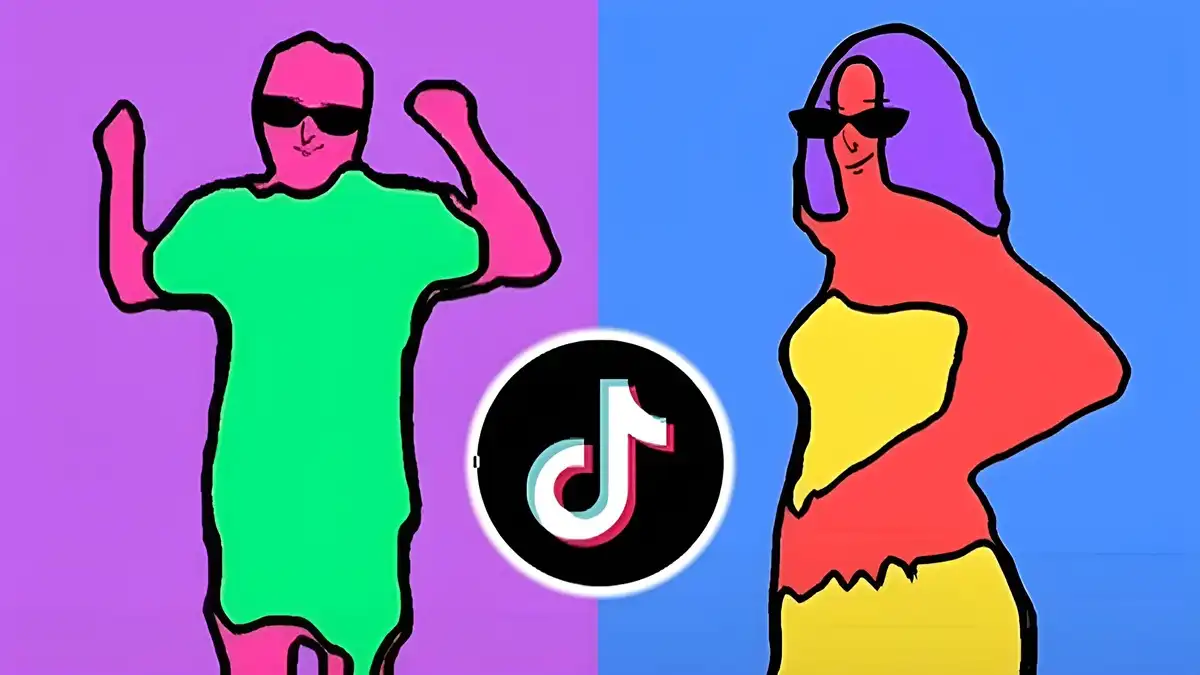
Rotoscope

Rotoscope Transitions Guide

Use transitions in Rotoscope projects: cuts, dissolves, matched moves, and mask-based reveals that connect scenes without distracting viewers.

Author Rotoscop Remove

Rated 4.6/5 · 3.4M

Transitions Serve the Story

A transition's job is to carry the viewer across a join without making them think about the join. The moment an audience notices a transition for its own sake, it has stopped serving the story and started performing.

Most professional work is built from cuts and short dissolves. Elaborate transitions earn their place at genuine changes of time, place, or subject, not between every pair of clips. You will find the full app information and download guidance in Rotoscope guide for Android.

  • Invisible joins serve the story
  • Cuts and dissolves do most work
  • Save flourish for real changes

Cuts, Dissolves and When to Use Them

Cut when energy should continue: action, dialogue, matched movement. Dissolve when time passes, mood softens, or locations melt into one another. The choice is about what the viewer should feel, not what the software offers.

Dissolve length carries meaning. A few frames feels like a blink; a second or more feels like a dream or a memory. Choose lengths deliberately rather than accepting defaults.

Experienced Rotoscope users return to this point often, because Rotoscope rewards the basics done consistently, and a Rotoscope project built on basics rarely needs rescuing later.

  • Cuts continue energy
  • Dissolves signal time and mood
  • Length changes meaning

Matched Moves and Object Cuts

Cutting on movement hides the cut inside the action: a door opening, a head turning, a hand reaching. The eye follows the motion across the join and never registers the edit point.

An object that fills the frame can carry a transition by itself. Pass close to a dark shape in one scene and emerge from a similar shape in the next, and the join feels intentional and smooth. For a deeper look at a related topic, read our video editing guide.

  • Cut on movement
  • Full-frame objects hide joins
  • Motion distracts the eye kindly

Mask-Based Reveals

Rotoscoping unlocks transitions ordinary editors envy: a subject walks past the camera and wipes the scene away, or an isolated object moves to reveal the next shot hidden behind it.

These reveals need planning at the masking stage. The passing element must be isolated cleanly and must genuinely cover the frame at the join, or the trick exposes its seams. This connects closely with the keyframes guide, which covers the neighbouring ground in detail.

  • Subjects can wipe scenes
  • Plan reveals while masking
  • Full coverage hides the seam

Transition Mistakes to Avoid

The catalogue effect, a different fancy transition between every clip, is the classic beginner error. It announces the software instead of the story, and audiences tire of it within a minute.

Inconsistent audio joins ruin visual subtlety. Keep sound continuous across joins where the scene continues, and let audio lead or follow the picture slightly at genuine scene changes.

  • Avoid the catalogue effect
  • Keep continuing audio continuous
  • Sound sells the join

Putting It Into Practice

A calm review pass is part of the technique, not an optional extra. Watch the finished piece once without touching anything, note every moment that pulls your attention for the wrong reason, and only then go back and fix the list in order. Rotoscope work rewards this discipline because small edge and timing problems are so easy to chase randomly and so quick to fix systematically.

If a fix fights you for more than a few minutes, simplify the approach rather than forcing it. A cleaner mask, a simpler effect, or a different shot choice usually serves the project better than a heroic repair, and audiences never know the road not taken.

Archive the project properly when it is delivered. Your future self, asked for one small change months later, will thank you for the version that opens cleanly with every file in its place.

Frequently Asked Questions

What is the best transition for most edits?

A simple cut, ideally on movement. Cuts preserve energy and stay invisible, which is what most joins need.

When should I use a dissolve?

When time passes, the mood softens, or places blend into each other. Dissolve length changes the feeling, so choose it deliberately.

How do mask-based transitions work?

An isolated subject or object passes across the frame and covers the join, revealing the next scene behind it. The element must fully cover the frame at the cut.

Why do my transitions feel distracting?

Usually variety and length: too many types, used too often, for too long. Return to cuts and short dissolves and reserve effects for real changes.

Conclusion

Good transitions are felt as flow, not seen as tricks. Cuts on movement, honest dissolves, and the occasional mask-based reveal cover nearly everything a project needs.

Restraint is the skill. When every join is invisible, the one deliberate flourish you keep lands with real force.

Emily Hart

Reviewed by Emily Hart

Emily Hart is our Video Editing Apps Reviewer. She tests Rotoscope on real Android devices, running real editing projects, before we publish any guide or download information.